Setup guide
Connect Elevate SEO to Claude Code, Codex and Cursor
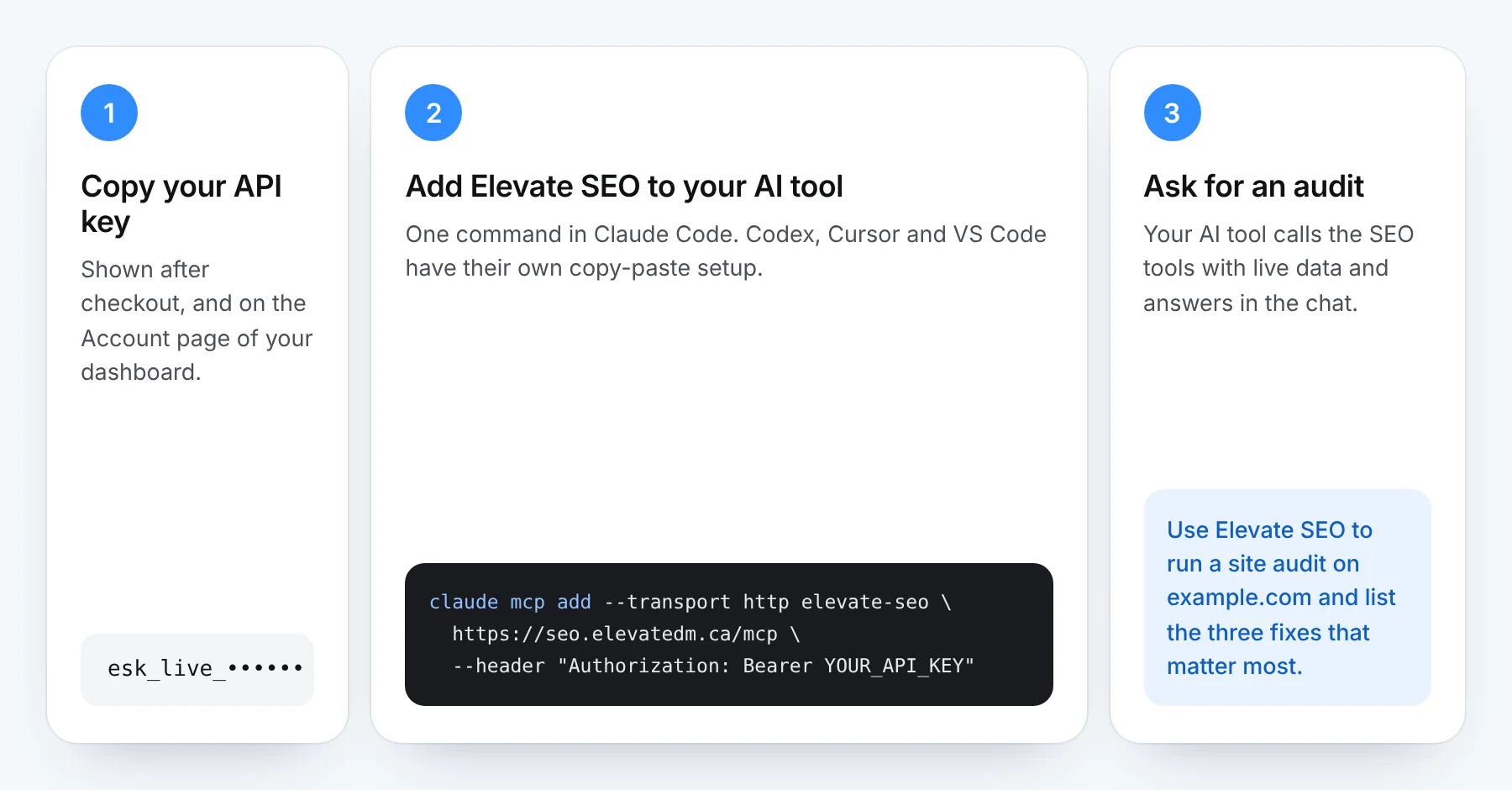
Use every Elevate SEO tool from inside Claude Code, OpenAI Codex, Cursor, VS Code and other MCP tools. Setup takes about a minute.
Before you start
- Have your API key ready. It starts with esk_live_ and was shown after checkout. Signed in to the dashboard? The Account page has these same instructions with your key already filled in.
- Pick your tool below and replace YOUR_API_KEY with your key.
- Keep your key private. It works like a password. Don't paste it into shared documents or commit it to GitHub.
Set up your tool
Test the connection
Once it's connected, ask your AI tool something like this. Each run uses credits, the same as in the dashboard.
What is an MCP server?
MCP (Model Context Protocol) is an open standard that lets AI tools like Claude Code, Codex and Cursor call outside tools during a conversation. Elevate SEO is an MCP server: once it's connected, your AI tool can run a site audit, check Google Maps rankings or test AI visibility with live data, instead of answering from what the model already knows.
Each AI tool has its own way of adding a server. For Claude Code, Anthropic's guide to connecting Claude Code to tools via MCP covers the options in more depth. Prefer not to use MCP at all? Every tool also runs in the web dashboard.
Troubleshooting
"Unauthorized" or "Missing or malformed API key"
The key is missing, mistyped or has been replaced. Check the line starts with Authorization: Bearer followed by a space and your full key. If you've lost it or replaced it, create a new key, then update it here.
The tools don't show up
Fully quit and reopen the app after saving the settings. Most tools only load MCP servers when they start.
"Out of credits"
Monthly credits reset on the 1st. To keep going before then, buy a credit pack from the Account page in the dashboard.
Still stuck?
Email hello@elevatedm.ca with the tool you're using and the error you see. Never include your API key in the email.